
Lead management
Lead management built around real sales conversations
A lead is more than a row in a spreadsheet. It is a sequence of conversations and next actions.
CallTrackly connects lead records with the calling activity surrounding them.
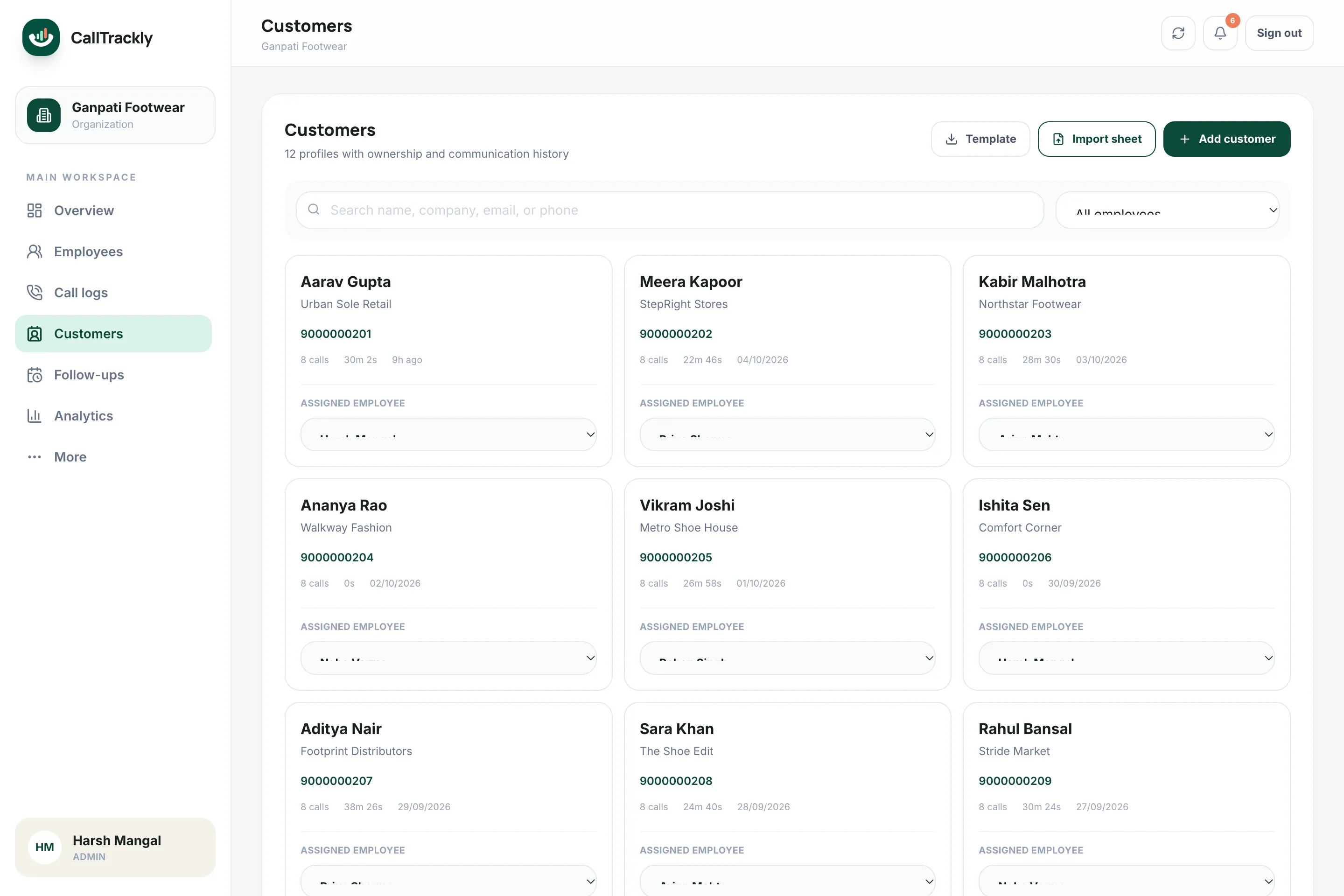
Capture lead information
Store:
- Name
- Company
- Phone number
- Source
- Status
- Priority
- Assigned employee
- Tags
- Notes
- Next follow-up
Assign leads clearly
Every lead should have an owner. Assign leads to employees individually or during a CSV or Excel import.
Know the last meaningful activity
See when a lead was last contacted and what happened, because calls attach to the lead automatically.
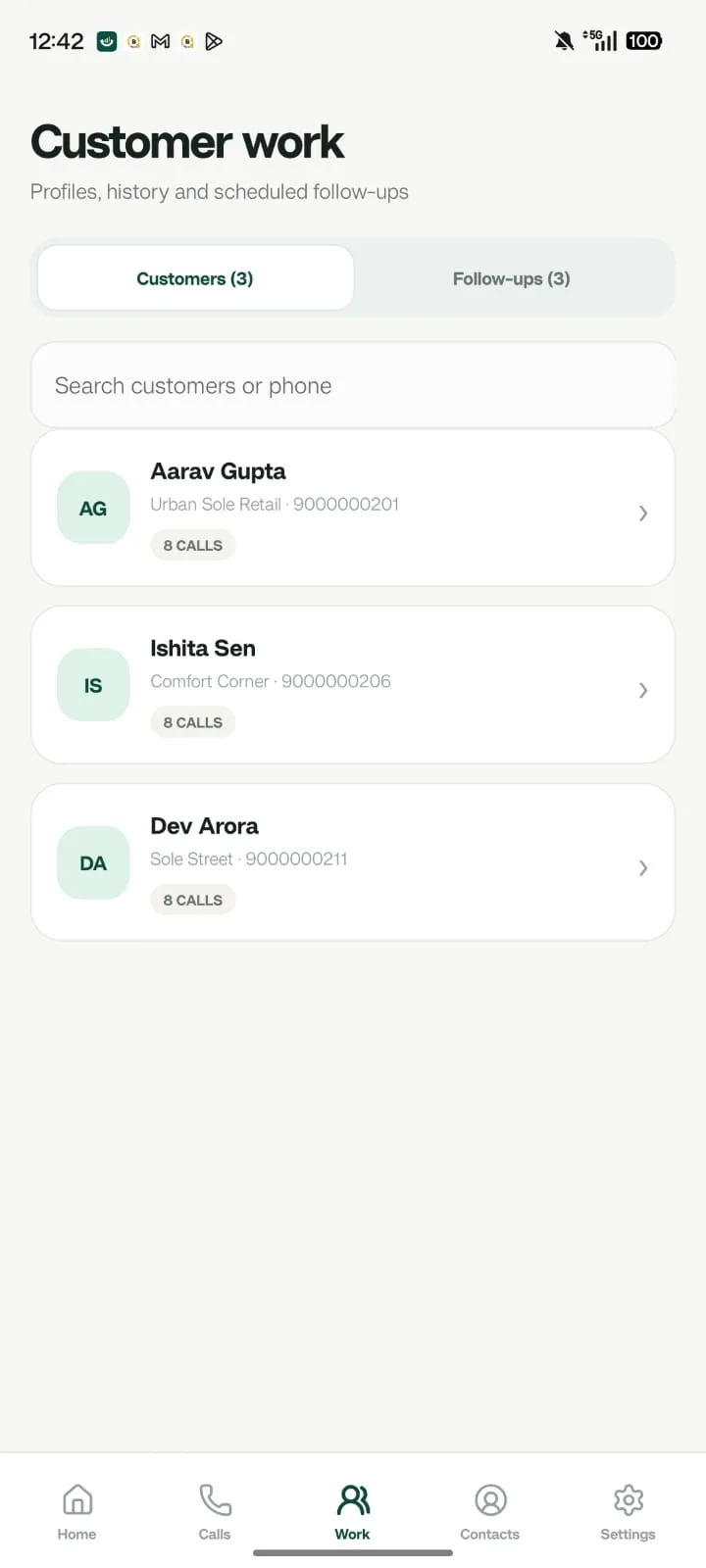
A clear pipeline
Move leads through consistent stages configured consistently across the workspace.
- New
- Contacted
- Interested
- Follow-up
- Qualified
- Converted / Lost
FAQ
Frequently asked questions
Which lead stages are available?
New, assigned, contacted, interested, follow-up, qualified, converted, not interested and lost.
Can I set lead priority?
Yes. Leads can be marked low, medium, high or hot, and high-priority leads waiting for action are surfaced to managers.