
Every connected phone, accounted for
Call tracking is only as reliable as the phones behind it. CallTrackly shows which devices are connected, healthy, and syncing, and lets administrators fix problems before data goes missing.
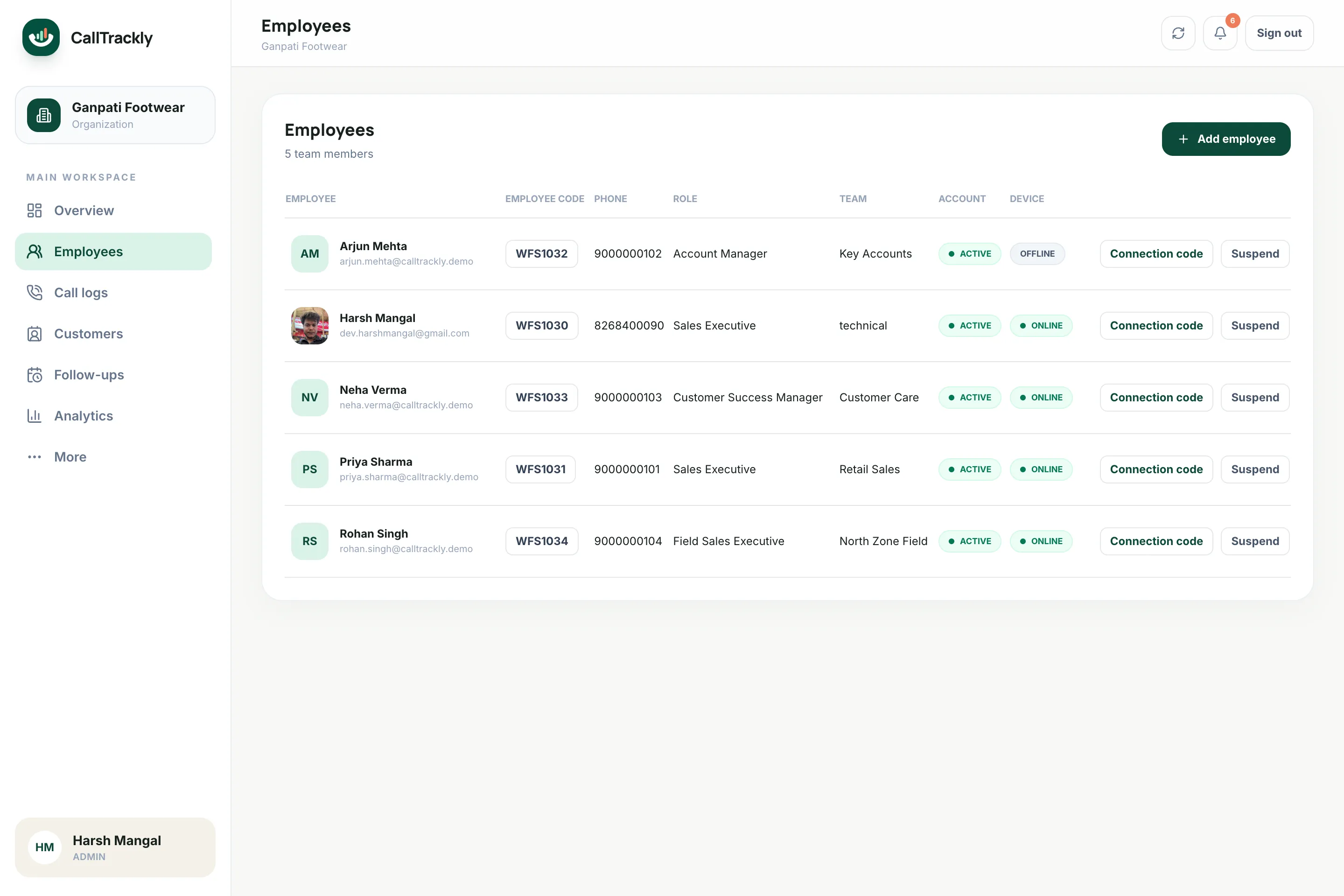
Connect phones in minutes
- Add the employee
- Generate a single-use code (valid 24 hours)
- Employee enters the code
- Select the business SIM
Device health at a glance
Heartbeat monitoring
See each phone's last check-in and get an alert when a device stops reporting.
Permission checks
Diagnostics show which permissions or battery settings need attention.
Offline resilience
Activity queues on the device and syncs automatically when the network returns.
Instant revocation
Revoke a device at any time to stop it syncing; history stays with the organization.
A focused app for employees
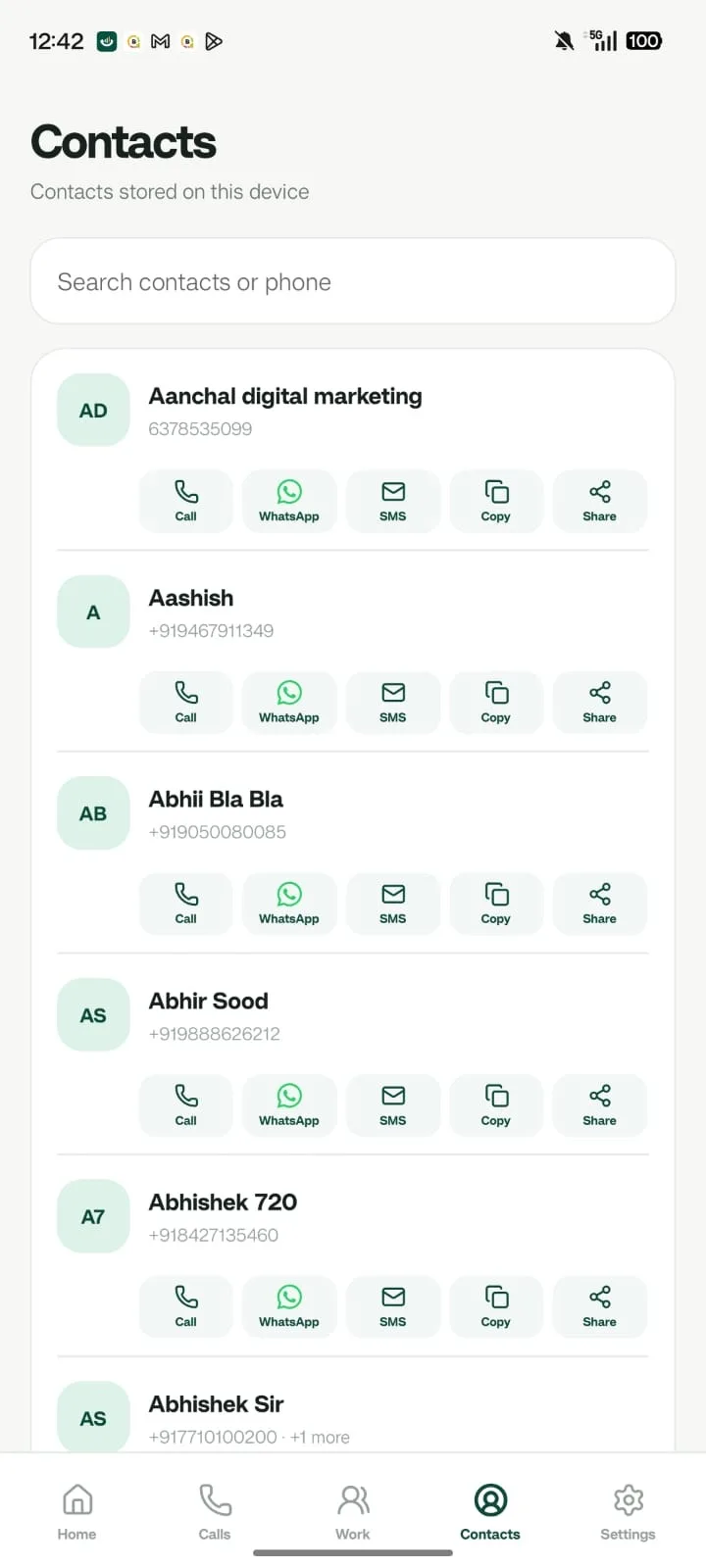
One-tap call, WhatsApp and SMS actions, post-call notes, device contacts and follow-ups keep employees moving between conversations.
Frequently asked questions
Which phones are supported?
Android phones. iOS does not allow apps to read the call log, so call capture requires Android. Managers use the web console from any browser.
Is device data protected?
Session data on the phone is protected with an Android Keystore-backed key, and devices can be revoked at any time.