
Turn call logs into sales intelligence
A raw call log tells you that a call happened. Call analytics should tell you what that activity means.
CallTrackly transforms business-call activity into manager-friendly metrics.
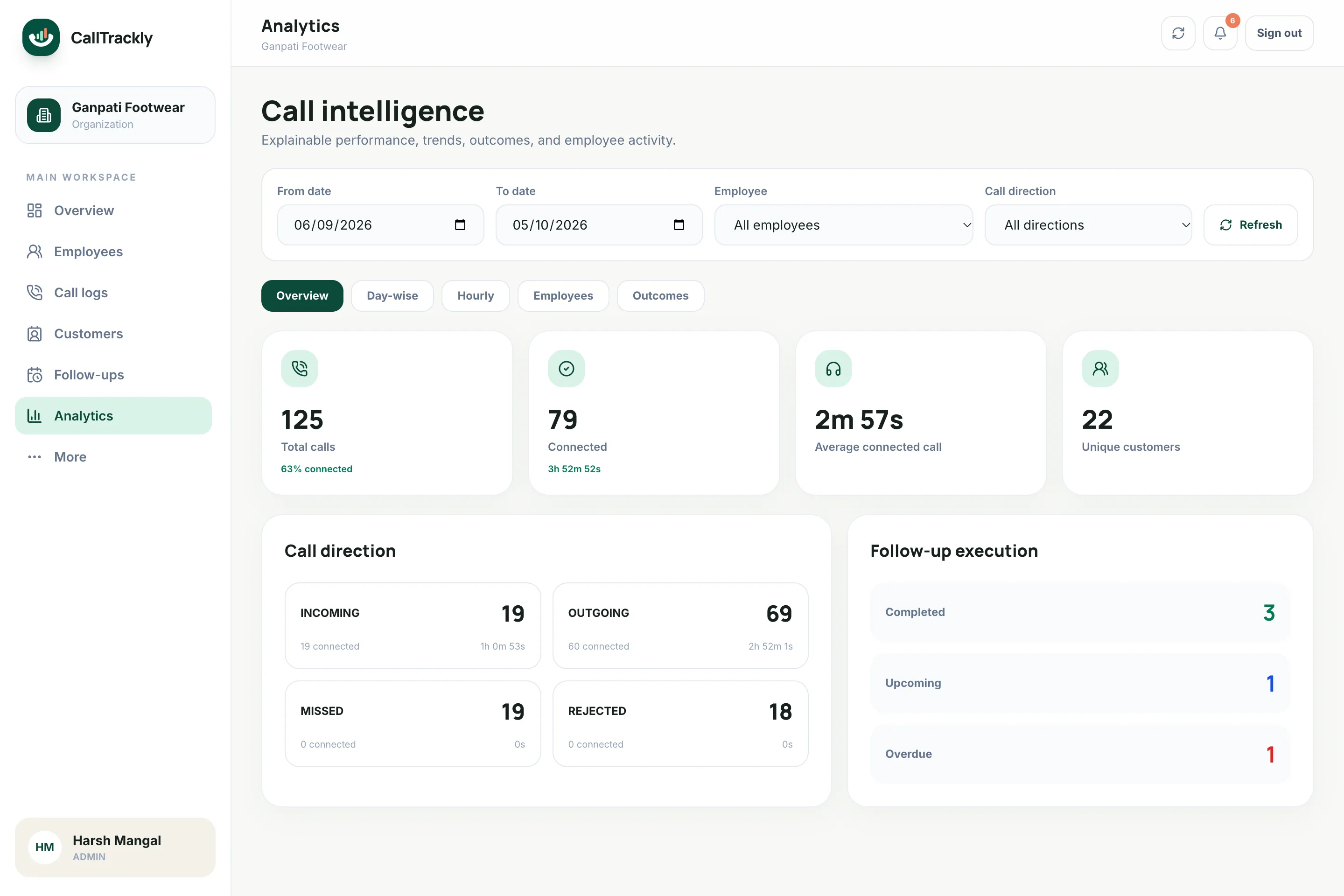
Measure what matters
Analyze:
- Total calls
- Connected calls
- Outgoing attempts
- Incoming enquiries
- Missed calls
- Talk time
- Average call duration
- Unique customers
- Hourly activity
- Day-wise trends
- Employee performance
Understand customer coverage
A salesperson making repeated calls to the same five customers is not equivalent to a salesperson speaking with twenty-five different prospects.
Unique-customer metrics help managers see the difference.
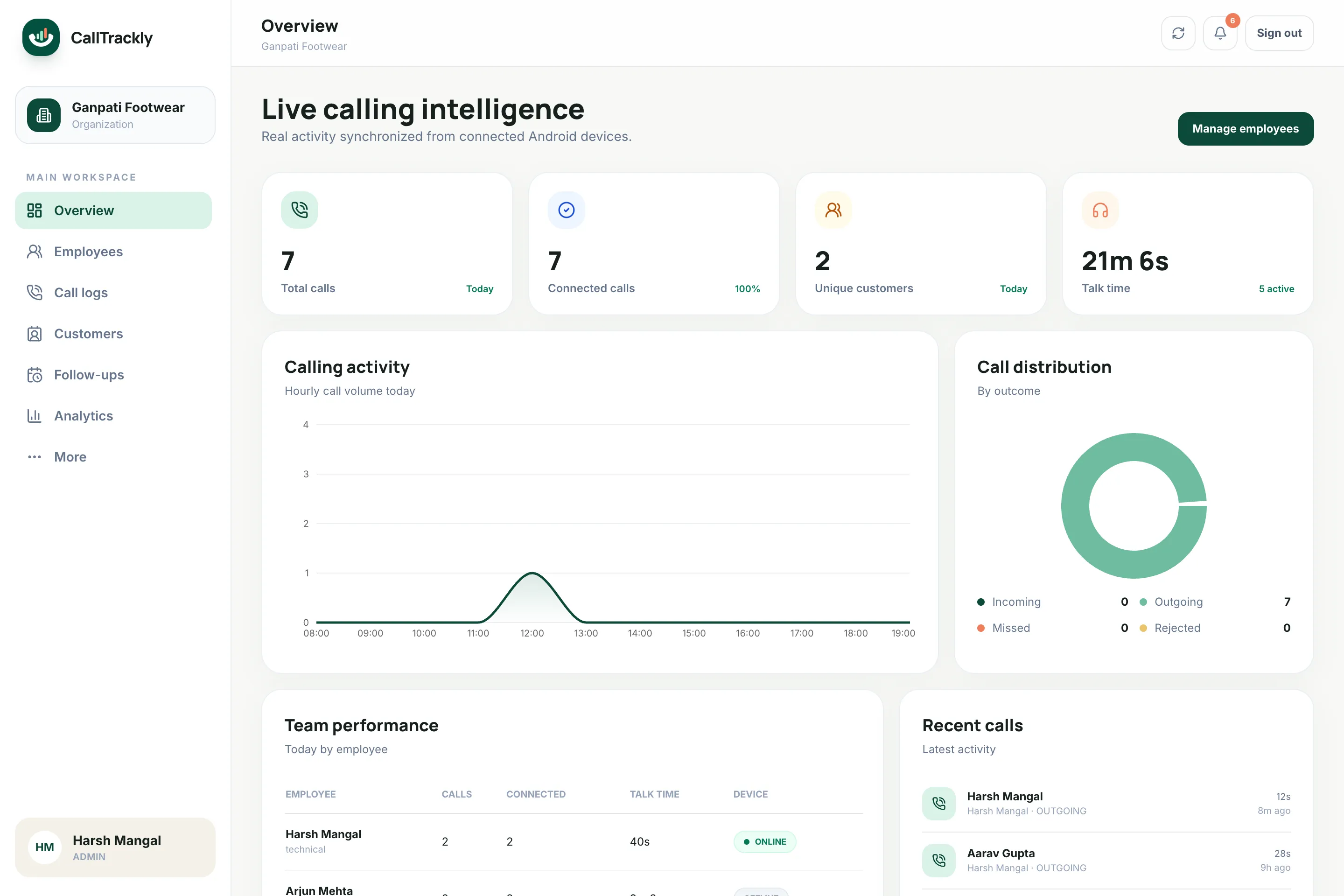
Find calling patterns
An hourly heatmap shows when your team is most active and when conversations are most likely to connect, and day-wise trends show whether activity is improving across any date range.
Metrics with clear definitions
- Connected: call duration meets your organization's configurable threshold
- Unique customer: one normalized phone identity in the selected range
- Activity span: time between first and last call, not payroll time
Frequently asked questions
What counts as a connected call?
A call whose duration meets your organization's connected-call threshold, which administrators configure.
Can I export reports?
Yes. Call reports can be filtered by date range and exported as CSV.
Can employees see their own numbers?
Yes. Personal analytics can be enabled in the Android app.