
Follow-up reminders
“Call me tomorrow” shouldn't depend on memory
Sales opportunities are frequently lost between conversations.
CallTrackly turns verbal commitments into structured next actions.
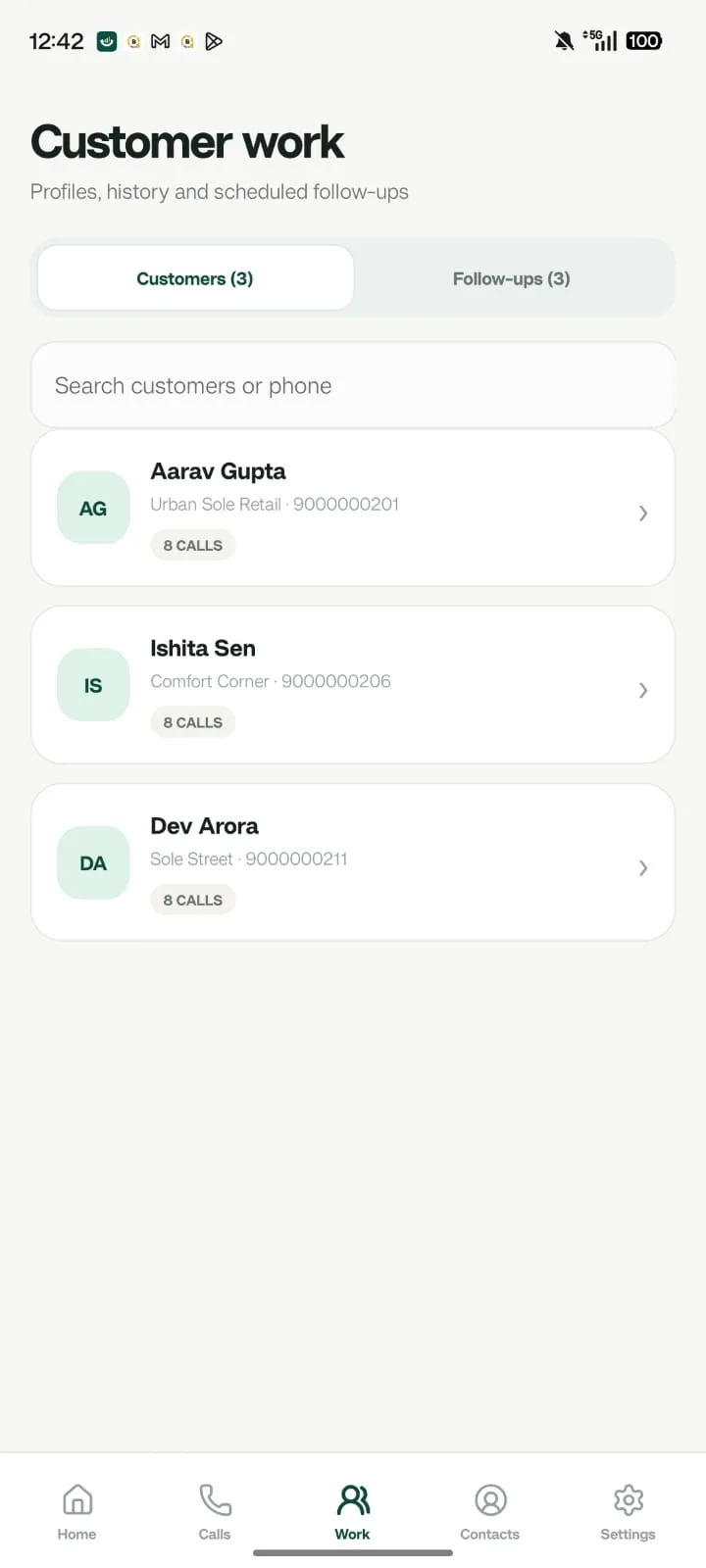
Set every detail of the next step
- Date
- Time
- Customer
- Employee
- Priority
- Note
- Lead context
Reminders before it's due, alerts when it slips
A reminder appears 15 minutes before a follow-up is due, and an alert appears once it becomes overdue. Employees get a clear view of what to do next; managers can identify overdue activity across the team.
Prompted right after the call
When a call ends, the Android app can prompt the employee to add an outcome, a note, and the next follow-up while the conversation is fresh.
FAQ
Frequently asked questions
Where do reminders appear?
In the Android app and the admin console's notification center.
Can automated alerts be turned off?
Yes. Administrators can enable or disable automated alerts for the organization.
See it in context