
Recruitment
Keep candidate and client calls organized
Recruitment teams handle large volumes of short, time-sensitive conversations.
CallTrackly helps recruitment teams maintain clearer communication histories and pending actions.
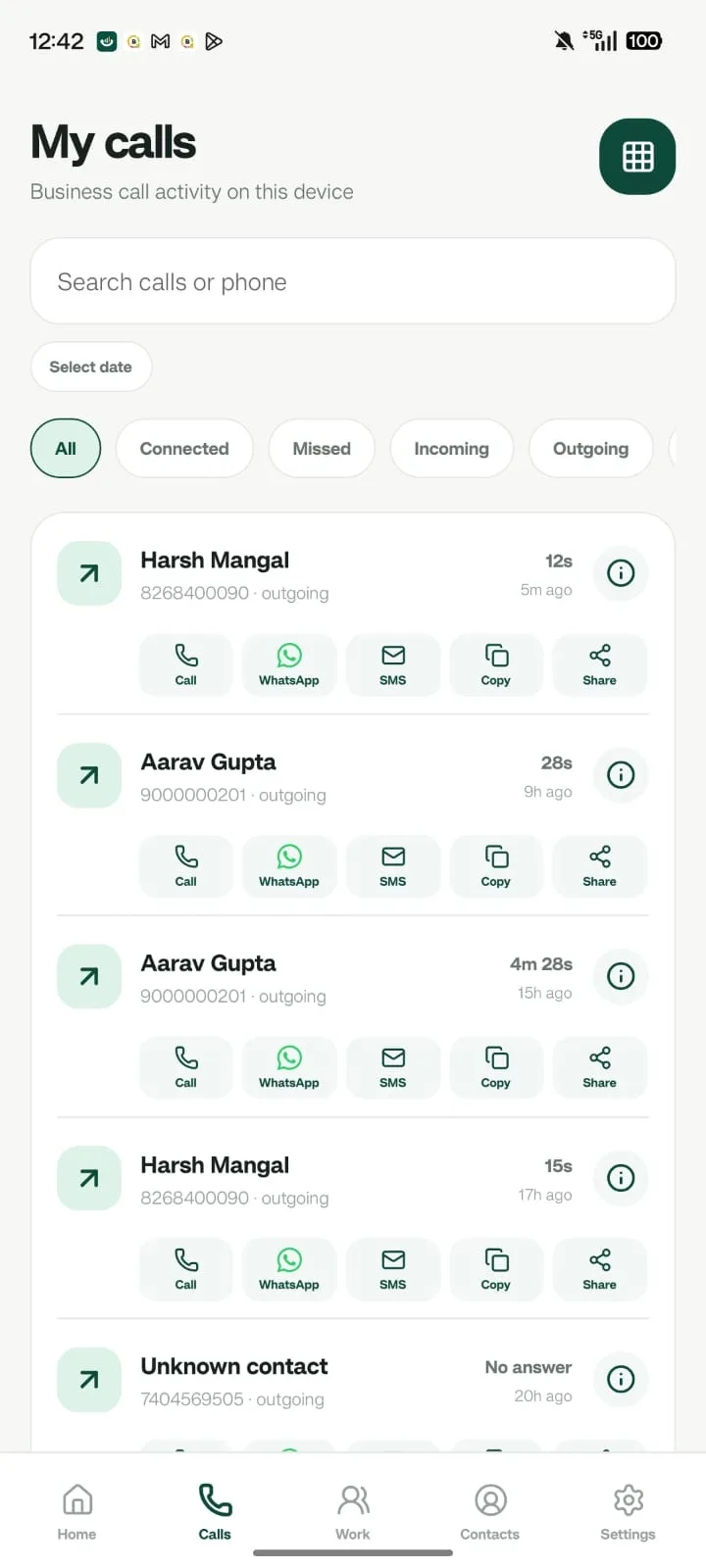
Conversations recruiters juggle
- Candidate screening
- Interview scheduling
- Client updates
- Offer follow-ups
- Joining confirmations
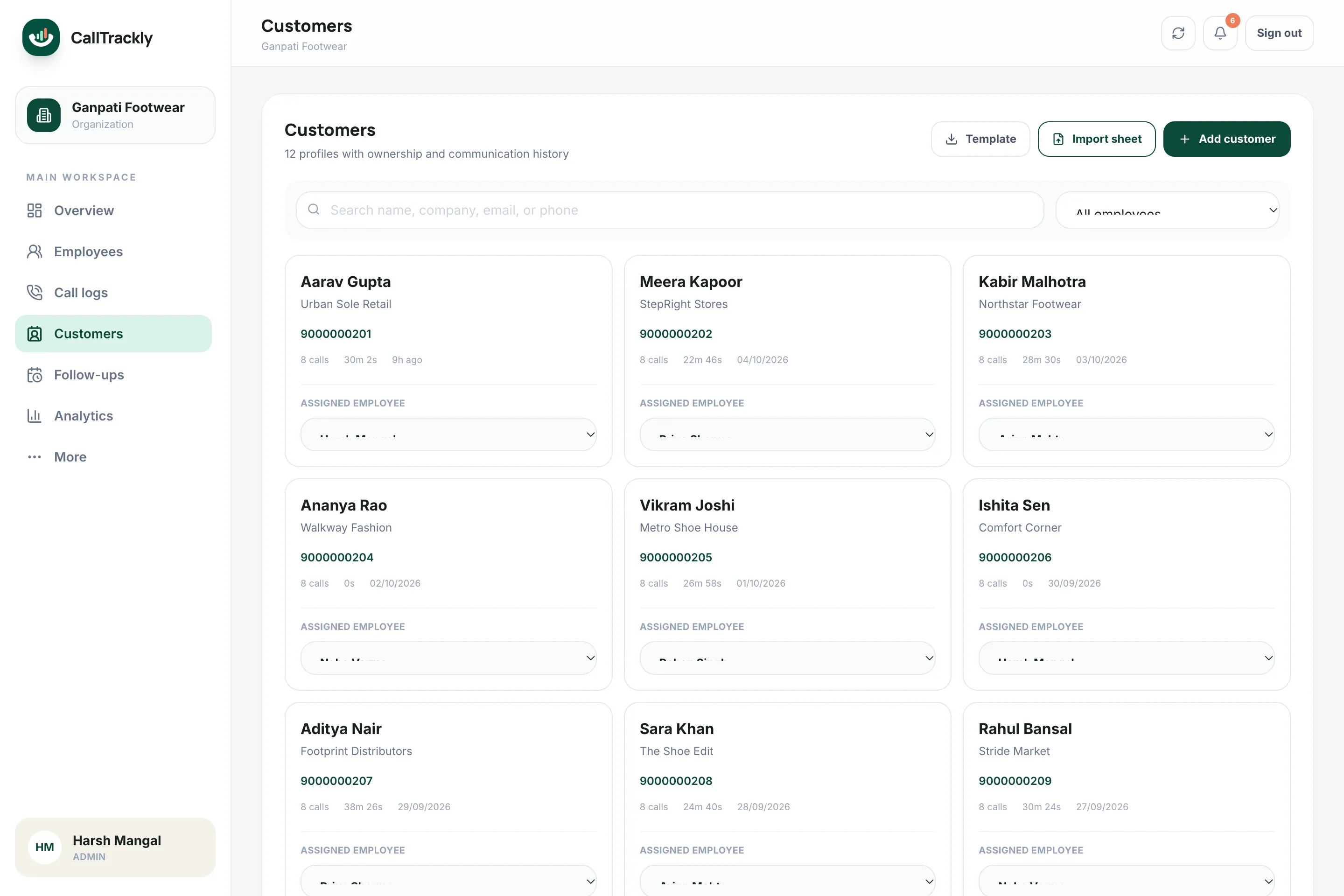
History that survives handovers
Every call, note and follow-up stays on the candidate or client record, so a colleague can pick up where someone left off.
Recruitment calling metrics that add context
- Candidate and client calls by recruiter
- Connected conversations and connection rate
- Unique candidates contacted
- Average talk time
- Missed calls still awaiting a callback
- Interview and offer follow-ups due
A practical recruiter workflow
- Imported or assigned candidate
- Screening call
- Outcome and notes
- Interview follow-up
- Offer or joining confirmation
FAQ
Frequently asked questions
Can we tag candidates and clients?
Yes. Records support tags, owners and notes, and can be imported from CSV or Excel.
Can managers compare recruiter activity?
Yes. Authorized managers can filter call reports by employee and review connected calls, talk time, unique contacts and follow-up activity.
Does it replace an applicant tracking system?
Not necessarily. CallTrackly focuses on phone activity, customer or candidate context and follow-ups. Teams with complex hiring pipelines may use it alongside an ATS.